
Why a Spending Freeze Actually Works
Пicture a “pause button” for your wallet. That’s basically what a spending freeze is: you stop all non‑essential purchases for a set time, usually 3–30 days. Rent, utilities, meds, transport and basic food stay; everything else waits. It’s not about punishment, it’s about clarity. For many people wondering how to cut expenses fast, a freeze is like turning on the lights in a messy room: you suddenly see where money leaks out, which subscriptions you don’t use and what you buy out of habit, not need. Done right, it jump‑starts better habits instead of feeling like financial detox torture.
Different Types of Spending Freezes
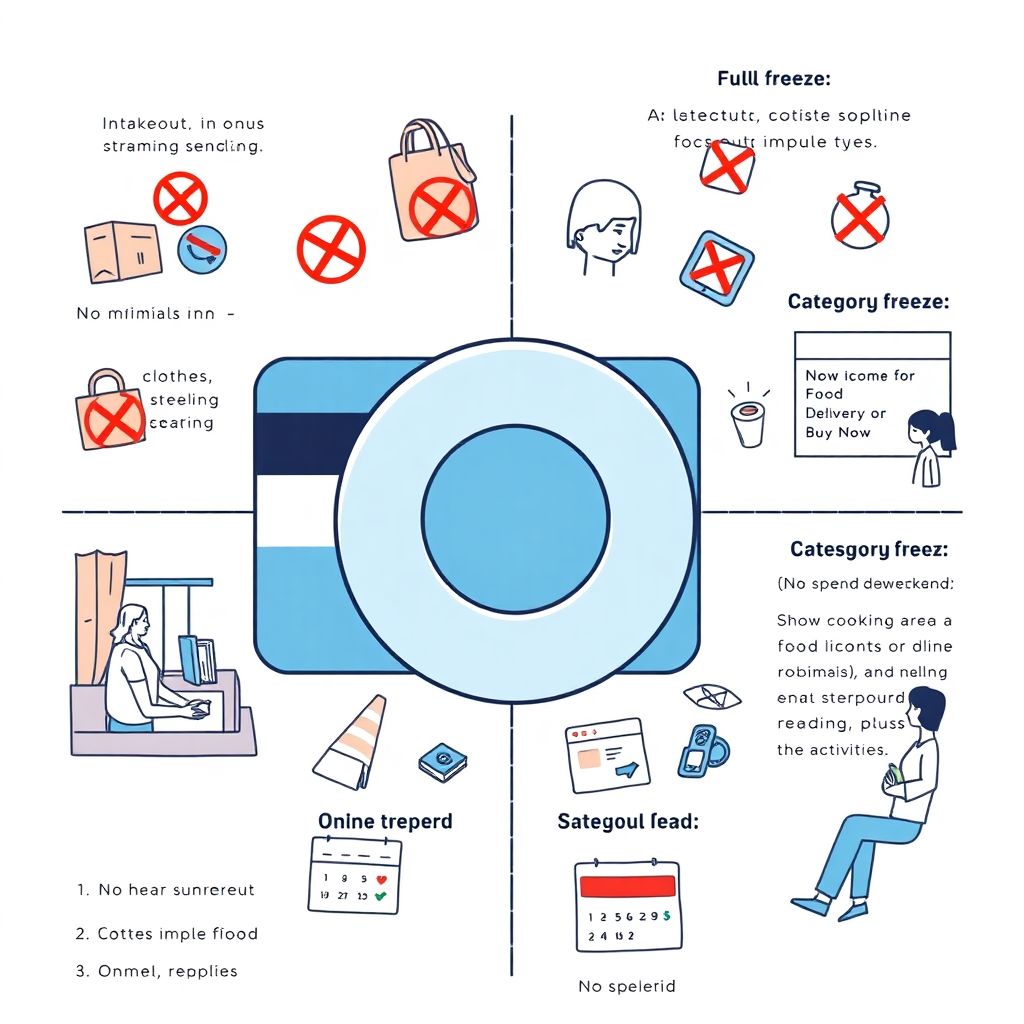
There’s no single “right” freeze; you choose the version that fits your life. A full freeze bans all non‑essentials: no takeout, no clothes, no digital impulse buys. A category freeze targets one problem area, like food delivery or online shopping. A no‑spend day or weekend is a short, sharp reset to test your willpower and routine. Finally, a hybrid freeze combines limits (cash only for groceries, no new subscriptions) with a few planned exceptions. Comparing these approaches, strict versions give faster results, while softer ones are easier to sustain and less stressful for families.
Full vs. Partial Freeze: Что выбрать
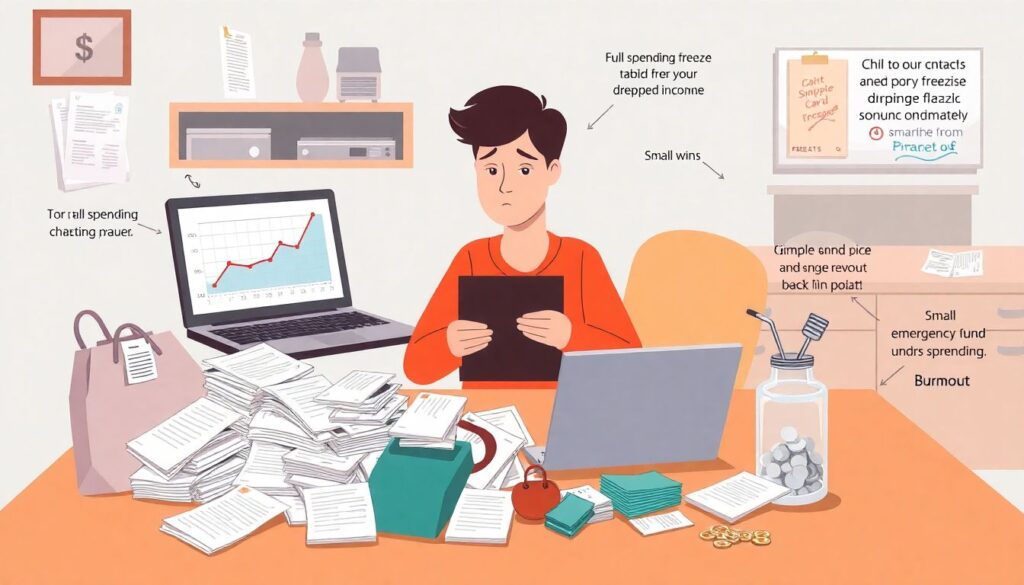
Full freezes are great when you’re in crisis mode: debt piling up, income suddenly dropped, or you need to build an emergency fund yesterday. They give clear rules and quick wins, but they can backfire if your lifestyle is already tight — you risk burnout and “revenge spending” after. Partial freezes are more realistic for most people: you keep a few low‑cost joys (coffee with a friend, kids’ activities) and focus on your worst triggers. Think of it as a diet: going “zero fun” works short‑term, but a balanced plan is what you can live with all year.
How to Set Rules That Don’t Drive You Crazy
Before you start, spell out exact rules: what counts as essential, how long the freeze lasts, and which exceptions you’ll allow. Essentials usually include housing, utilities, basic groceries, transport, medicine, and pre‑paid commitments. Non‑essentials are everything that can wait a few weeks. Build in 1–2 “sanity exceptions”: maybe a small weekly coffee budget or one low‑cost activity with kids. This makes a huge difference to your mood and increases your odds of finishing the freeze. Clear rules also help if you live with someone: fewer arguments, more teamwork, and less temptation to bend the rules “just this once.”
Using Tech to Support Your Freeze
Technology can seriously boost your odds, but it’s not magic. Many personal finance apps to control spending now sync with bank accounts, auto‑categorize transactions and send alerts when you go over a limit. Pros: you see patterns you’d miss manually, track freeze progress day‑by‑day and get instant feedback after each purchase. Cons: data privacy risks, subscription fees, and the temptation to overcomplicate things with dozens of categories and graphs. If apps stress you out, a simple spreadsheet or even a notebook plus weekly review might work better. The key is visibility, not fancy dashboards.
- Choose one main tracking method (app, spreadsheet or notebook) and stick with it during the freeze.
- Turn on notifications for card payments so you feel every purchase in real time.
- Schedule a 10–15 minute “money check‑in” twice a week to stay honest and adjust.
Pros and Cons of Digital Tools vs. Old‑School Methods
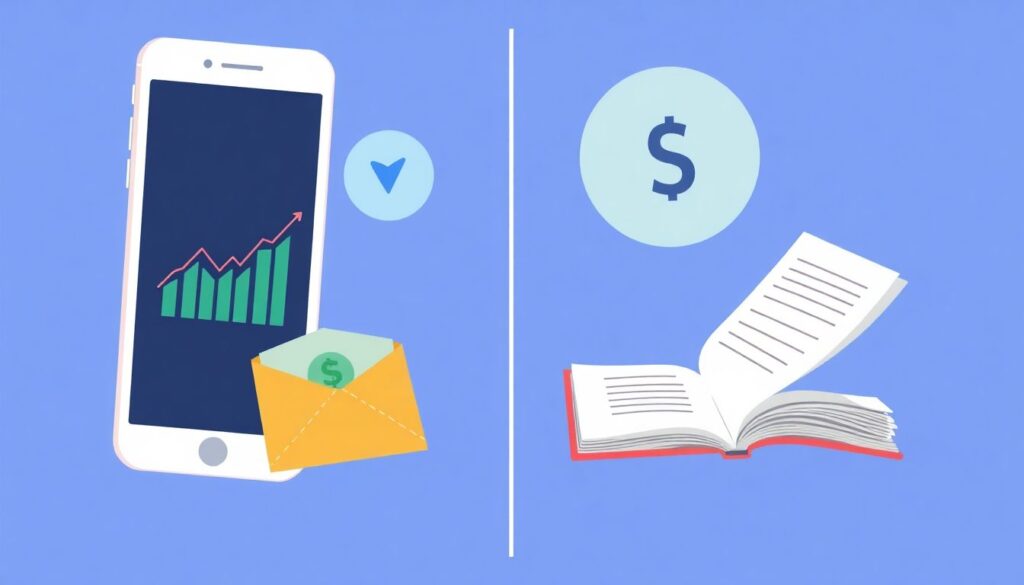
Digital tools shine for speed and automation: they categorize, visualize trends and sync across devices. That’s helpful if you like data and want the best budgeting methods to save money without spending hours on math. But they can also create distance: tapping a phone feels less “real” than handing over cash. Old‑school methods — cash envelopes, paper logs, receipts in a jar — make spending more tangible. You actually see money leave your hand. Downside: they require discipline and don’t work as well if most of your spending is online. A mixed strategy often wins: tech for tracking, cash for your weakest categories.
How to Stop Overspending on Groceries During a Freeze
Groceries are a classic budget sink, especially when you’re busy or stressed. If you’re wondering how to stop overspending on groceries, use the freeze as a challenge: first, take stock of what you already have in your pantry and freezer; then build meals around that. Limit store visits to 1–2 times a week and shop with a list only. Choose cheaper staples (beans, rice, seasonal veggies) and reduce paid “convenience” — pre‑cut fruit, ready meals, daily snacks. Bonus move: switch to a smaller basket instead of a cart; it physically limits what you buy and makes impulse items less tempting.
- Plan 3–5 simple “default” dinners you can cook almost on autopilot.
- Batch‑cook on weekends so you’re not ordering takeout when tired.
- Keep a running “use first” list on the fridge to avoid food waste.
Family‑Friendly Freezes: Less Stress, More Teamwork
If you live alone, you can go hardcore. With kids or a partner, you need diplomacy. Focus on money saving tips for families that feel like a game, not punishment: track “no‑spend days” on a calendar, let kids pick free activities (parks, library, board games), and agree in advance on one small shared treat at the end of the freeze. Keep communication open: explain the goal (debt freedom, vacation, emergency fund) and show progress weekly. In families, a partial or category freeze usually works better than a total ban; otherwise you risk rebellion and secret spending that sabotages the whole effort.
Using a Freeze to Test New Budgeting Methods
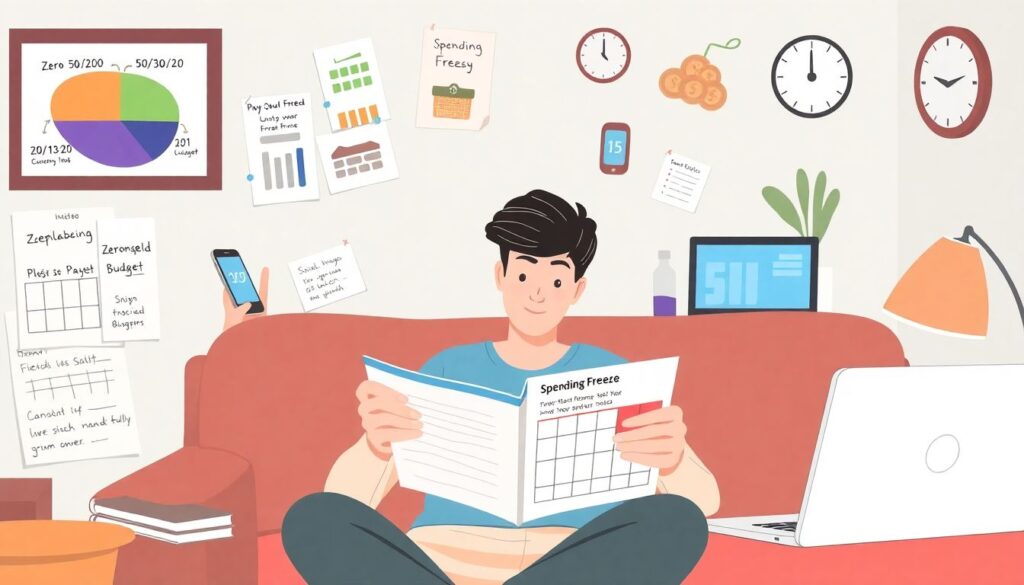
A spending freeze is a perfect lab for testing the best budgeting methods to save money. During the freeze, try one framework: 50/30/20, zero‑based budgeting, or “pay yourself first.” See how it feels in real life, not just on paper. Track what triggered near‑relapses: boredom, social pressure, late‑night scrolling? After the freeze ends, don’t just go back to normal. Keep 1–2 rules that clearly worked, like weekly cash limits for dining out or a 24‑hour delay before any online purchase. The win isn’t just the money saved during the freeze; it’s the new system you keep afterward.
Trends in 2025: What Makes Freezes Easier (and Harder)
In 2025, two big forces collide: endless frictionless spending (one‑click checkouts, subscriptions, BNPL) and smarter tools to resist them. On the “harder” side, algorithms are better at tempting you with personalized ads and limited‑time offers. Subscriptions quietly grow: apps, streaming, even household items. On the “easier” side, banking apps now show real‑time categorizations, merchant‑level data and built‑in spending locks you can activate during a freeze. Some even offer AI‑driven prompts suggesting how to cut expenses fast by cancelling unused services or renegotiating bills. The people who win are those who deliberately turn tech from enemy into ally.
Putting It All Together: From Freeze to Long‑Term Change
Think of a spending freeze as a 30‑day experiment, not a forever lifestyle. Before you start, define one clear goal (pay off $X of debt, build $Y in savings) and a stop date. During the freeze, track every exception honestly and note what felt truly painful versus surprisingly easy to give up. When the period ends, review: which categories caused the most stress, where did you actually miss nothing, and which tools helped? Turn those insights into a simple, written plan for the next three months. If you repeat freezes a few times a year, each round should feel less like punishment and more like a strategic reset.